Everyday objects
A mug on the table. A chair by the door. Hear a description of what is in the picture.
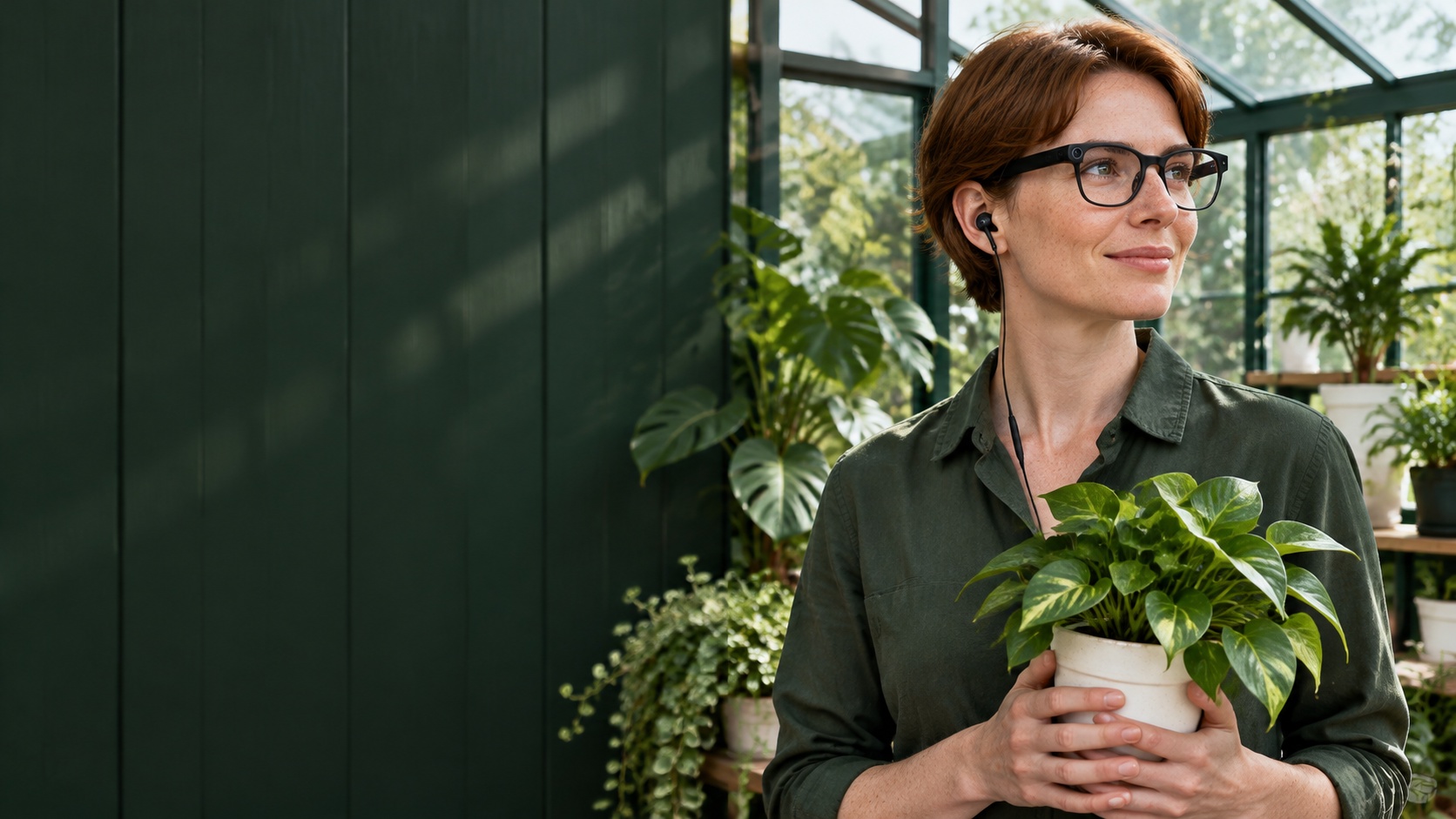
FOR BLIND PEOPLE. FOR EVERYDAY LIFE.
A little camera.
A world, spoken.
Wearable technology designed to describe objects and read text aloud. More information. On your terms.
Wearable in development. Concept photograph.
SMALL MOMENTS. MORE POSSIBILITY.
Information should not depend on sight. We’re working toward a wearable that puts spoken descriptions within reach, from the morning mail to the grocery aisle.
A mug on the table. A chair by the door. Hear a description of what is in the picture.
Letters, menus, signs and labels, read aloud instead of left unread.
Read visible product labels and compare the items in front of your camera.
Listen to the colors of clothes, household items and everyday objects.
Describe visible notes and coins. Independently check every amount before using it.
Choose the speaking speed and level of detail that feels right to you.
DESIGNED TO FIT YOUR DAY
Camera glasses with a detachable wired earpiece, or a curved camera band joining both ears behind your head.
The planned wearable pairs by Bluetooth. This connection depends on the final hardware and is not built here yet.
The planned camera captures a view and speaks a description. Today, try this with a captured image from your phone.
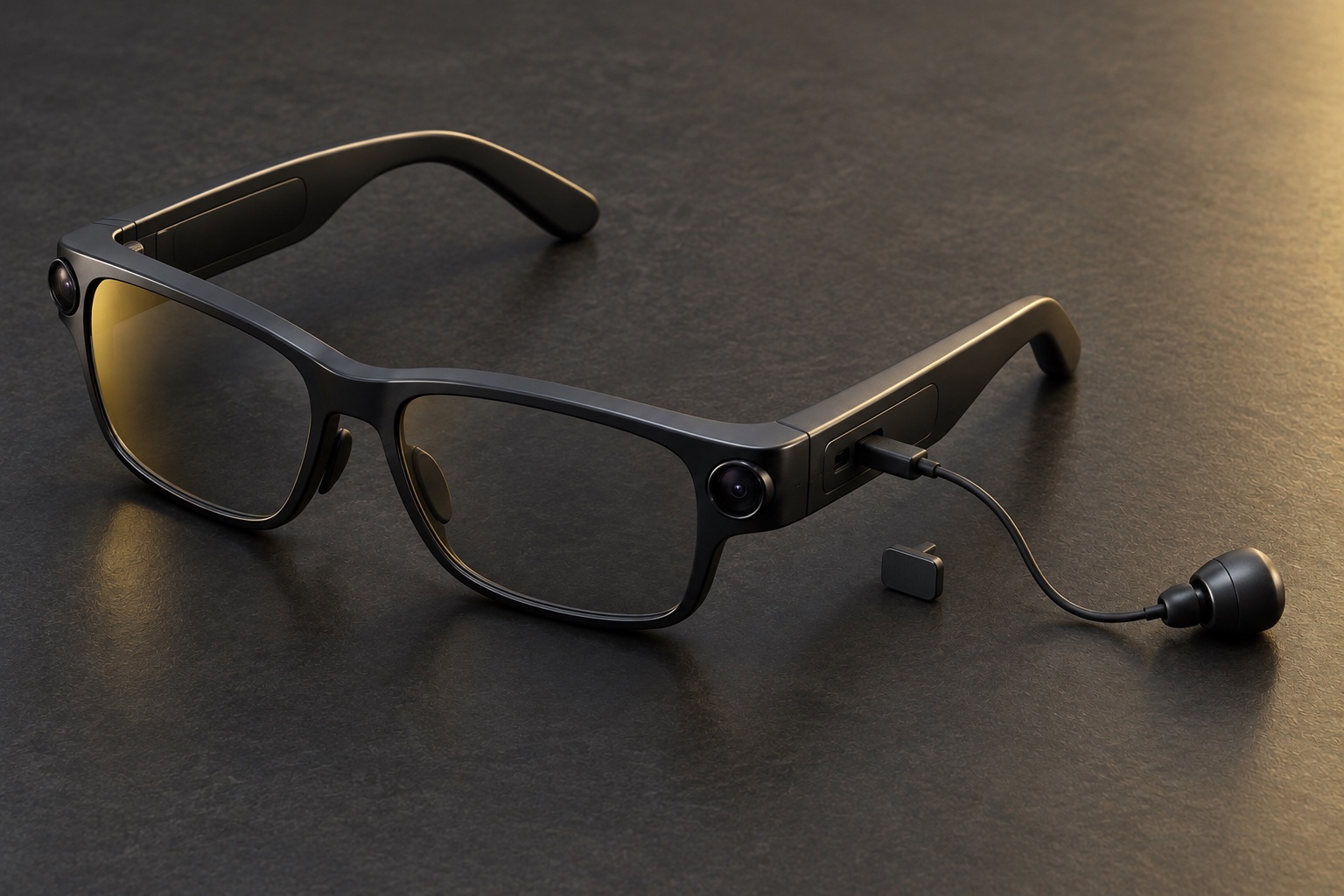
A small wired earpiece plugs into the glasses arm and can be unplugged. The planned Bluetooth connection to your phone is separate from this audio wire.
Four new concept portraits: at home, shopping, reading mail and listening. These are generated illustrations, not customer photographs.
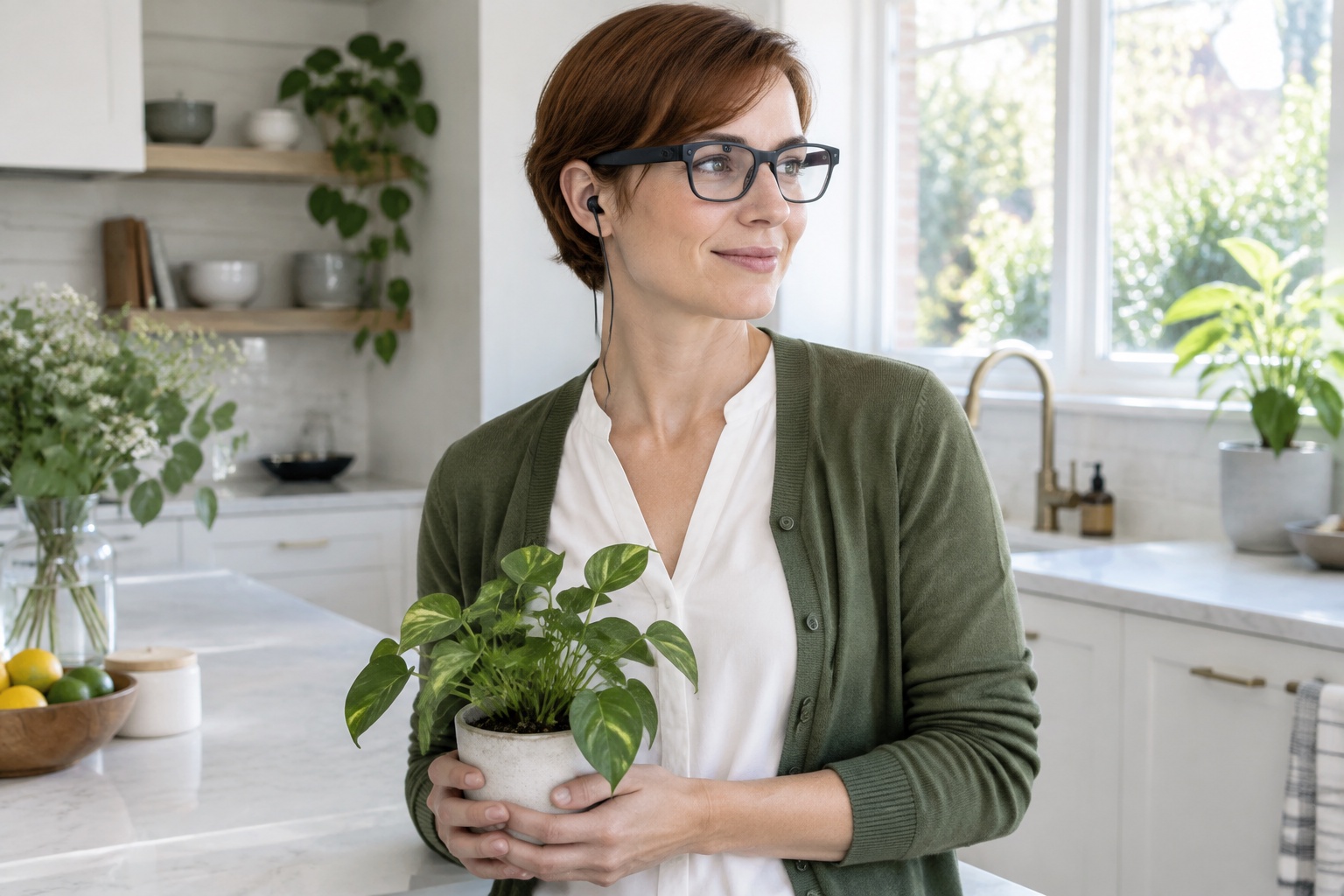
A younger woman stands at a kitchen counter holding a potted plant, wearing the camera glasses and detachable wired earpiece.

A younger man in a grocery aisle holds a cereal box in front of him, with the curved band behind his head and his cane under one arm.

An older woman sits at a dining table holding a letter at eye level while wearing the camera glasses and wired earbud.
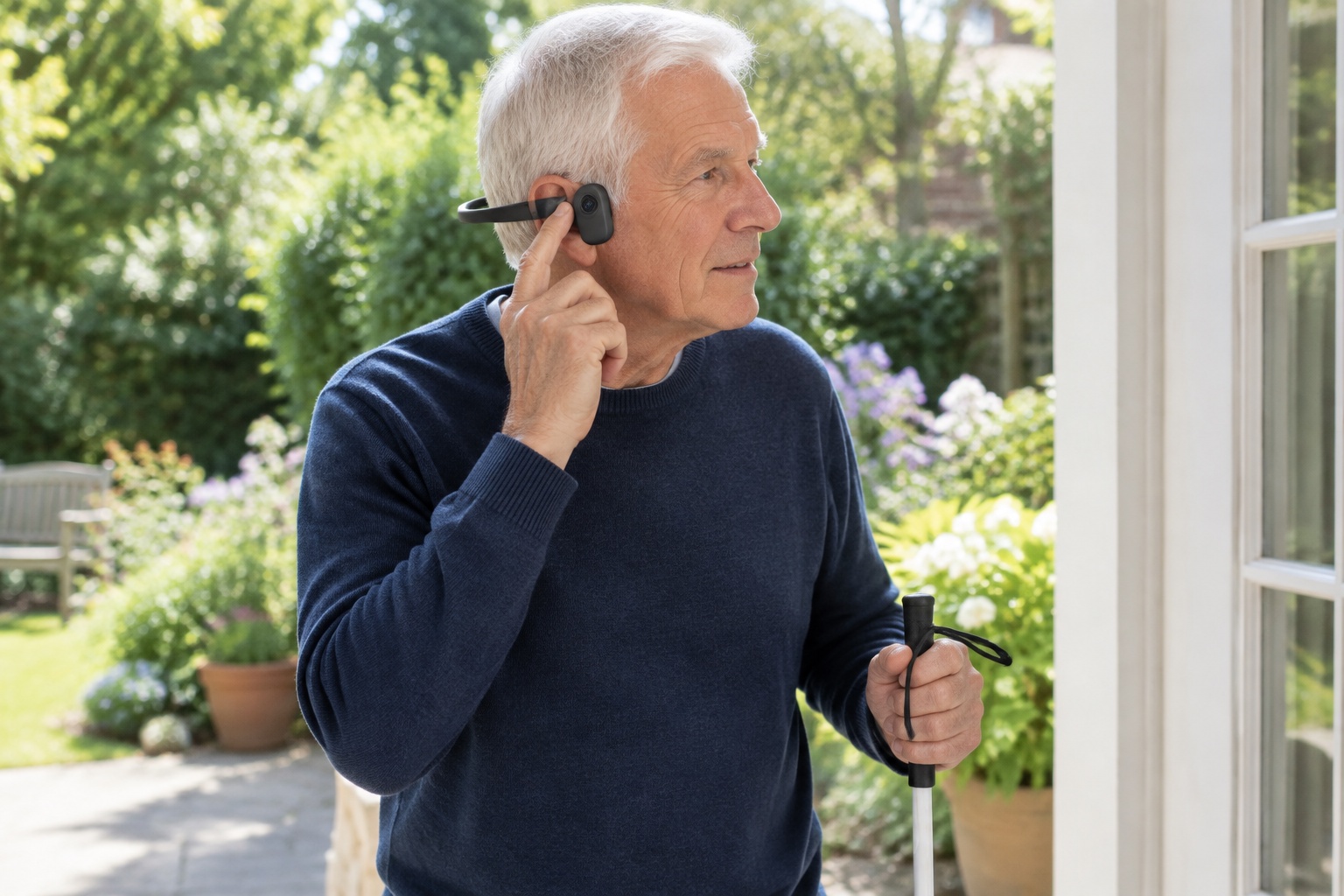
An older man by a garden doorway touches the ear module of the curved band behind his head while holding his white cane.
Eight realistic concept photos and two short concept clips. The people are AI-generated, not real customers. Final fit, controls and Bluetooth setup depend on the finished hardware.
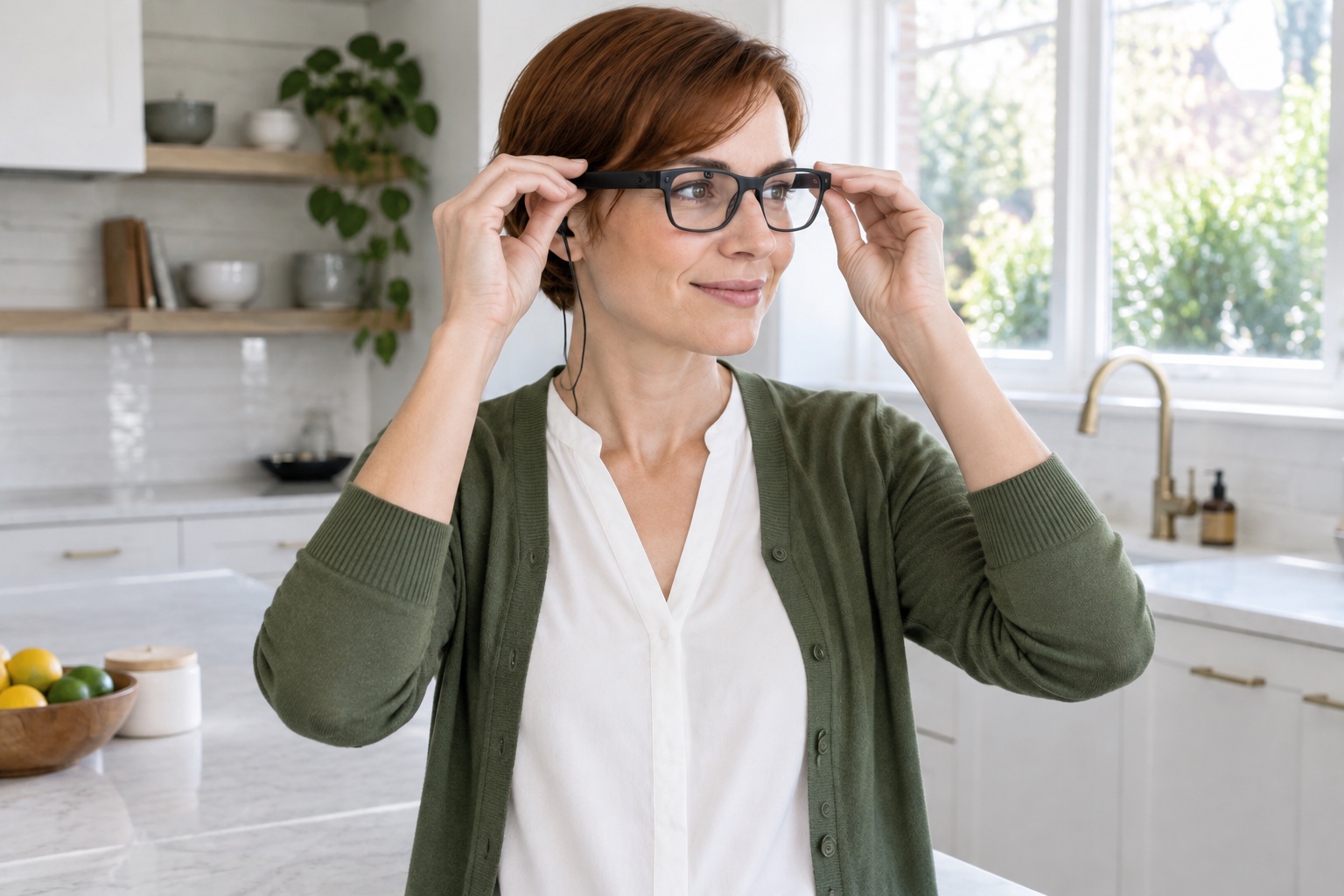
01 · CONCEPT PHOTO
A woman holds the glasses by both arms and settles them on her face, with the camera facing forward.
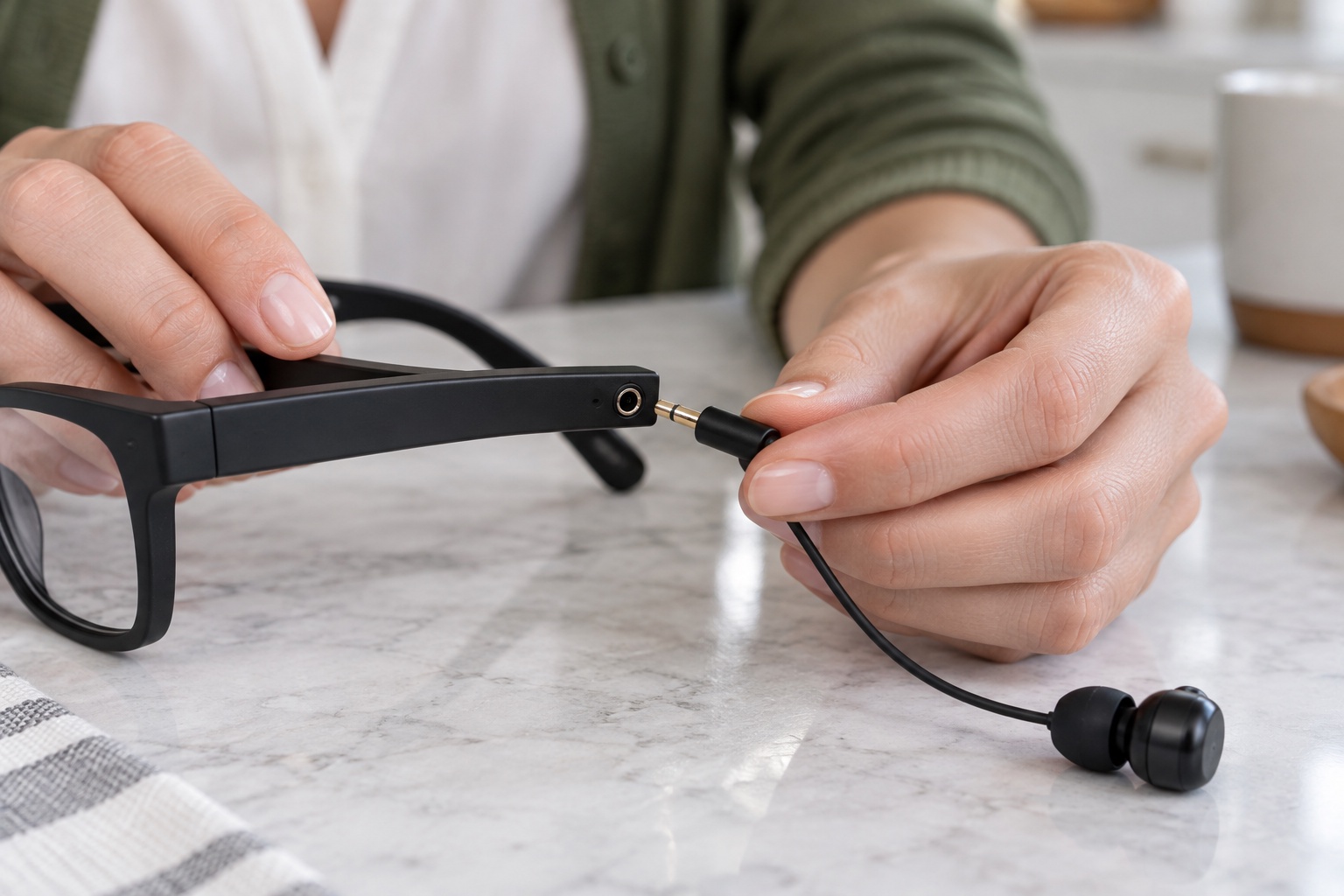
02 · CONCEPT PHOTO
A close-up shows the small wired plug beside the matching socket on the glasses arm. The audio wire is separate from the planned Bluetooth phone connection.
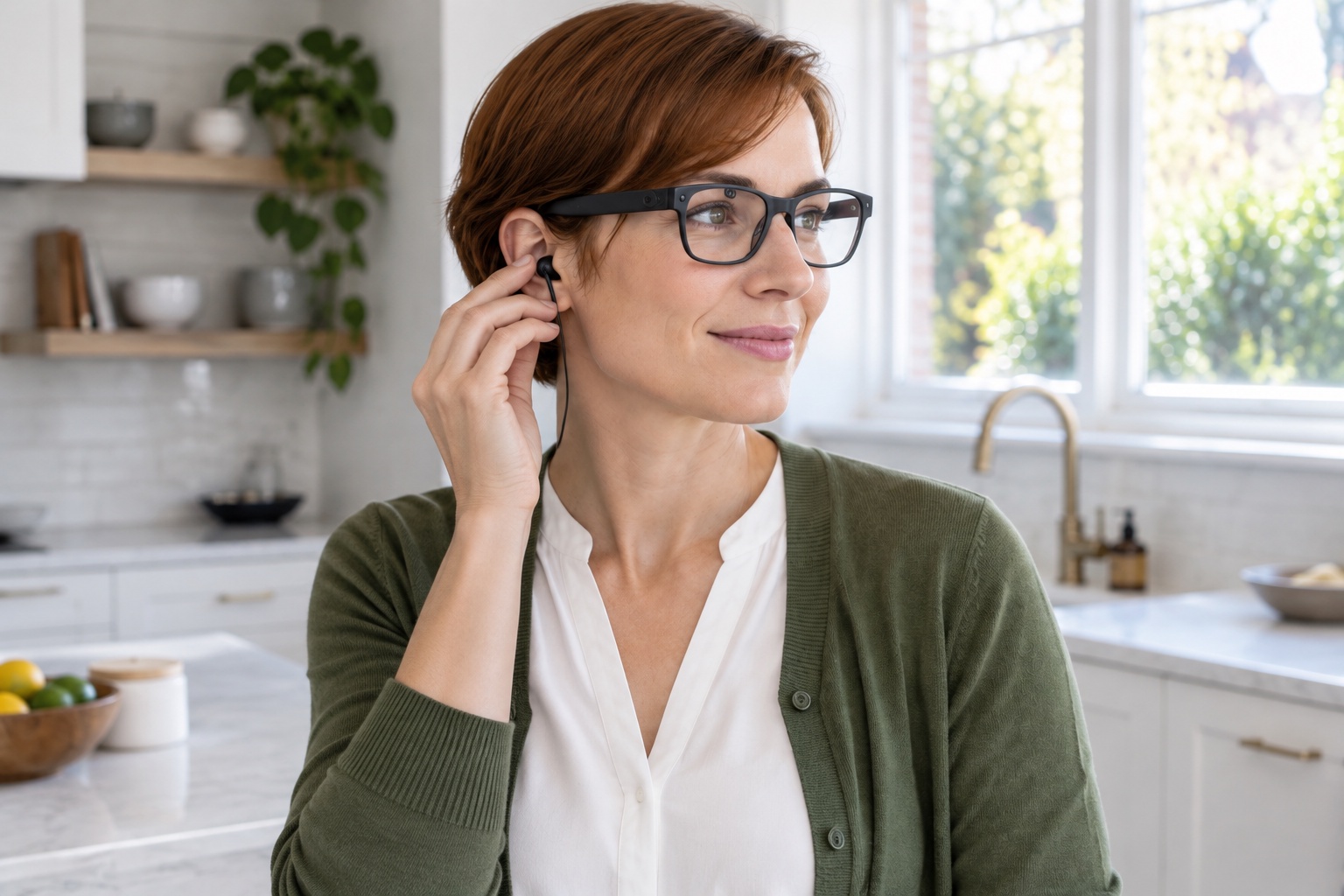
03 · CONCEPT PHOTO
The woman gently positions the connected earbud in her ear; its short wire runs back to the glasses arm.
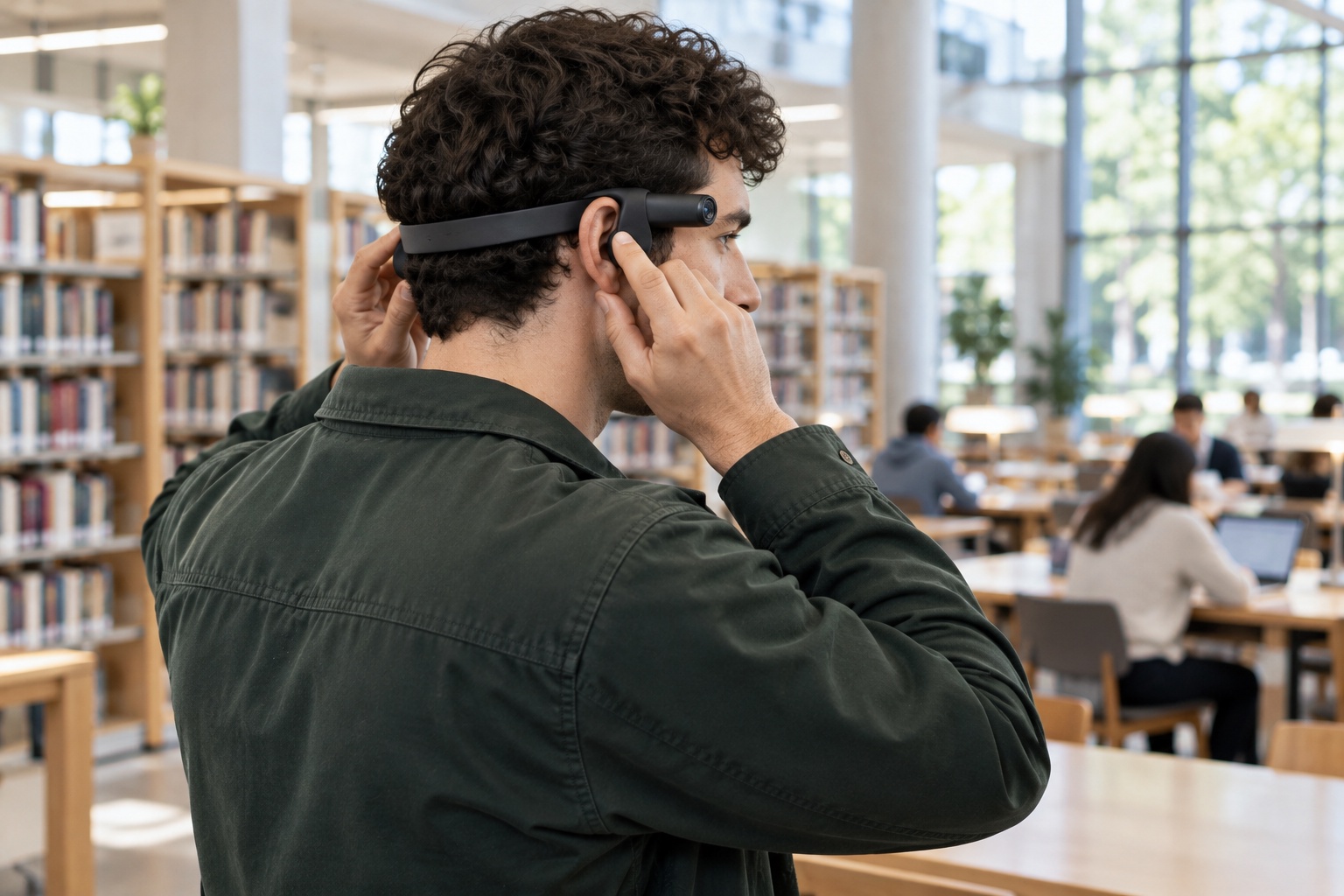
04 · CONCEPT PHOTO
A man settles the two ear modules into place. A curved bow connects both ears around the back of his head, not his neck.
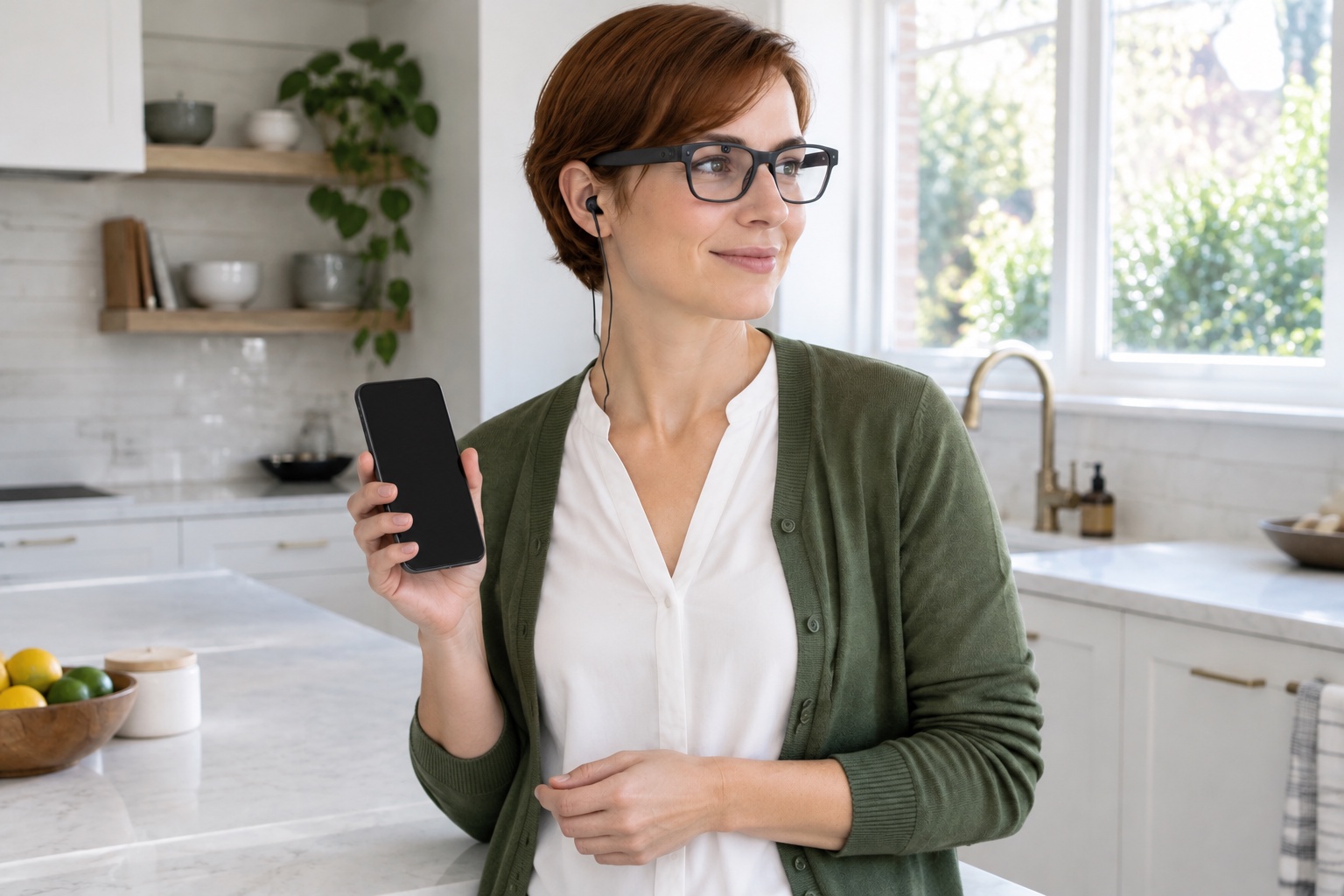
05 · CONCEPT PHOTO
The woman holds a phone while wearing the glasses. Bluetooth pairing is planned; this image does not show a verified connection.
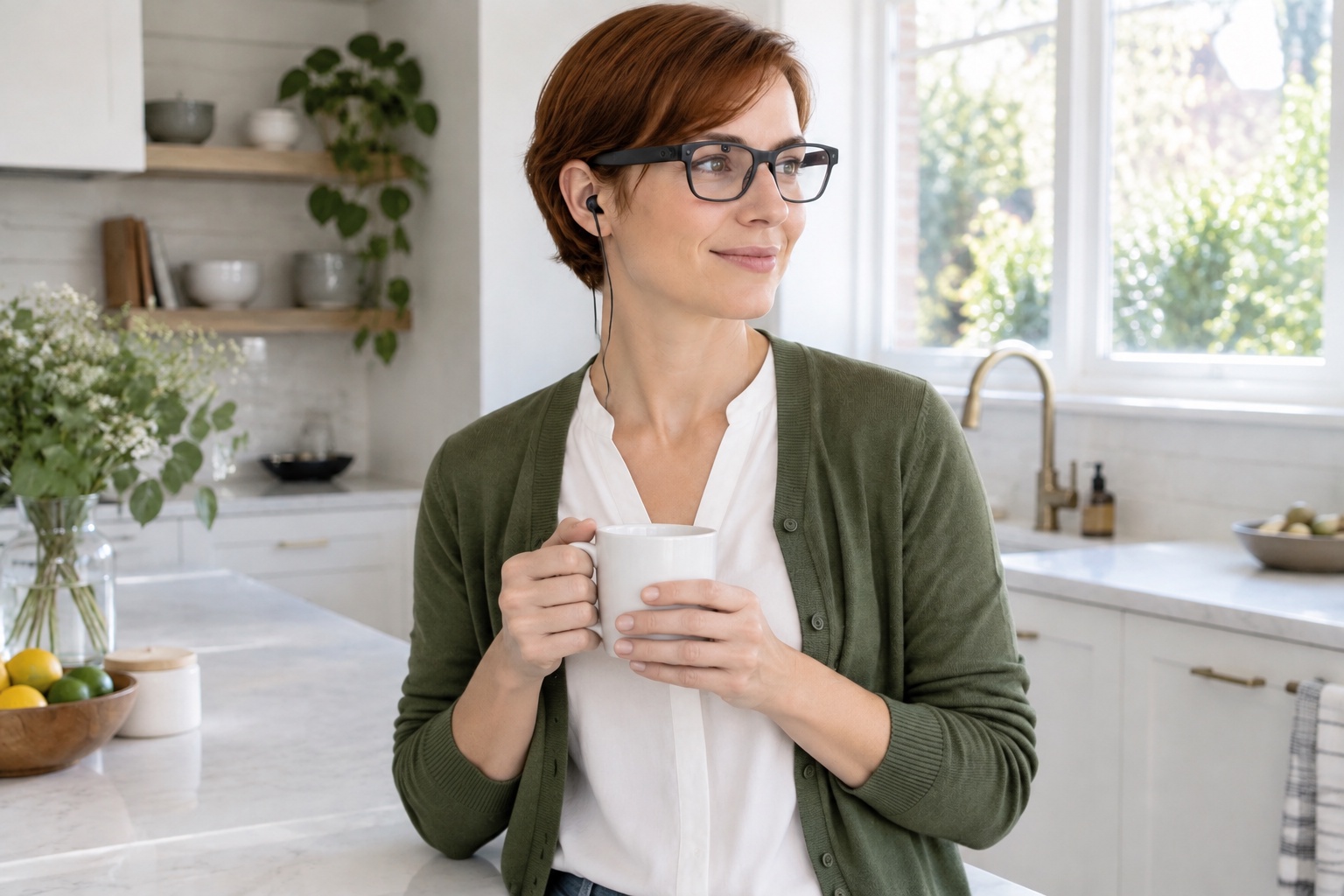
06 · CONCEPT PHOTO
The woman holds a mug in front of the camera. The planned experience would describe the visible object through her earpiece.
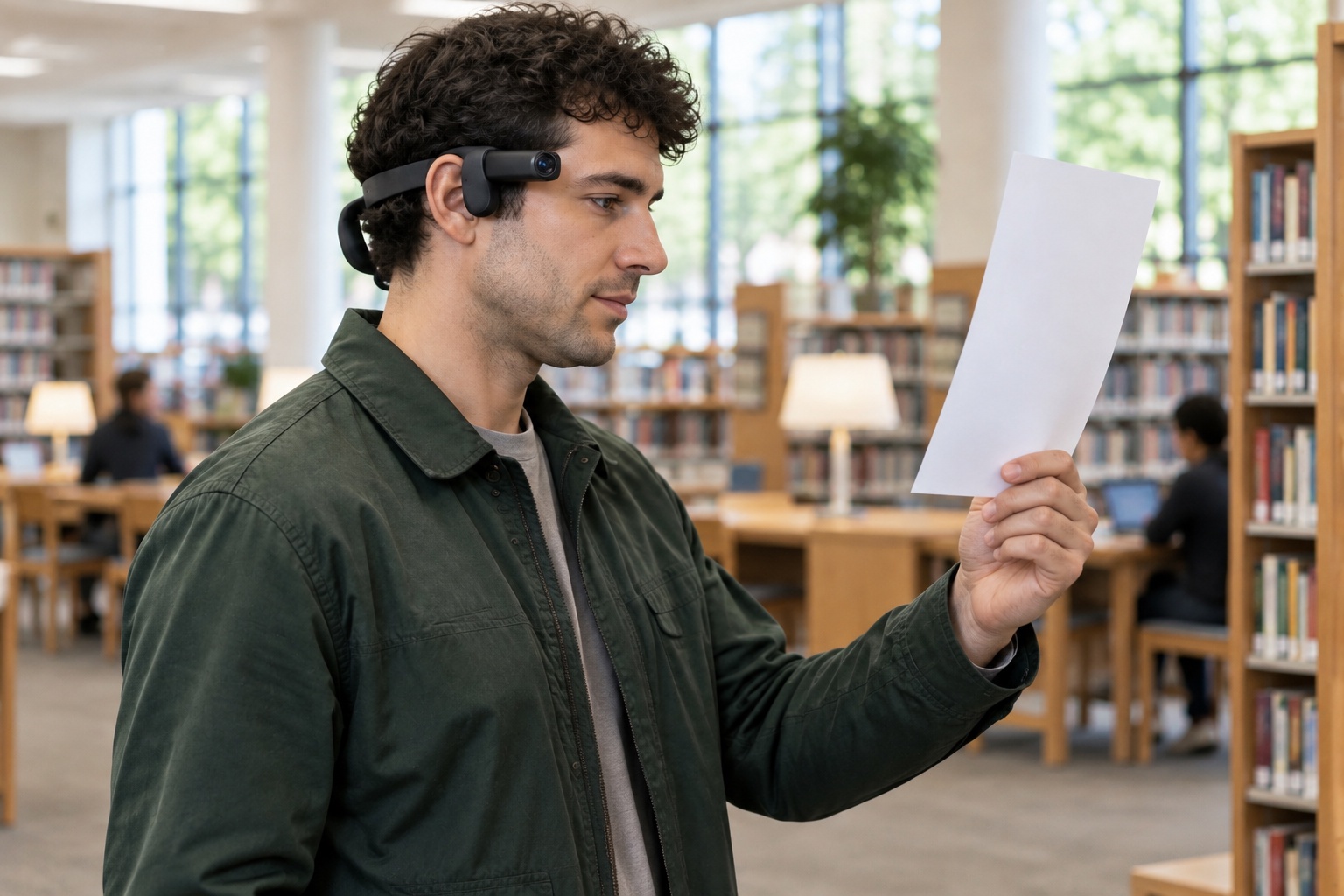
07 · CONCEPT PHOTO
The man holds a letter in front of the headset camera. Reading its visible text aloud is a planned use.

08 · CONCEPT PHOTO
The man touches the ear module while standing still with his cane. The wearable would speak a description, not provide safe navigation.
What the glasses camera sees while walking, with each object named aloud. Each video opens with a short spoken introduction and ends with a scene summary. Captions are on the video, and the full transcript is below each one.
Voice powered by ElevenLabs
A narrated concept illustration covering fit, the planned phone connection, object descriptions and reading text, featuring the new auburn-haired woman and curly-haired man.
Powered by ElevenLabs
This is What’s In Front, made for people who are blind. It is a concept walkthrough. The wearable you will hear about is still in development, so these are illustrations, not a real hardware demonstration.
Option one is a pair of camera glasses. In a bright kitchen, a woman lifts the black frames with both hands and slides them on. A small camera lens sits at each front corner.
The earpiece is detachable. A hand plugs its thin cable into a small port on the inside of the glasses arm. The round earbud rests on the table beside it.
She then guides the earbud into her ear, so the cable runs from the glasses arm down to her ear.
Option two is a curved, bow-shaped band. In a library, a man holds both ends and settles a pod over each ear. The band wraps behind the back of his head. It does not go over the top of the head, and it does not sit on the neck.
Next is the planned pairing step. The wearable is designed to connect to a companion phone over Bluetooth. She holds her phone, but the screen is left blank, because that pairing app is not built yet.
To identify an object, she holds a white mug in front of her. In this concept, the camera captures the view, and a short description is spoken into her ear. The words on screen are an example only.
For reading, he holds a printed letter up in front of him. The idea is that the camera captures the page, and the text is read aloud through the band.
Here he touches the pod by his ear to listen, with his white cane in his other hand. What’s In Front is not a navigation aid, and it does not replace a cane or a guide dog.
What works today is the phone demo. On the What’s In Front try page, you point your phone camera at something, and it speaks a description out loud. That is the real, working software.
What’s In Front. The wearable is a concept in development. The phone camera demo is available now, at the try page.
TECHNOLOGY WITH A HUMAN PURPOSE
Founded by Michael D. Mahoney, What’s In Front is built around a straightforward mission: help blind people access everyday visual information without always having to ask someone else.
Meet the founderExplore the parts and software behind the camera concept.
Register your interest. No payment or order today. Price and launch date are not yet announced.